
Protect daily work
Connect identity, email, device and network controls.
MANAGED PROTECTION
Security should make your business more confident, not more complicated. Bring your accounts, devices, email and cloud systems into a practical programme with clear priorities and a dependable route to support.

YOUR NEXT BUSINESS STEP
A suspicious email, lost device or unexpected login should lead to a clear next action. Build the controls and service ownership around your actual exposure.
Connect identity, email, device and network controls.
Prioritise vulnerabilities and configuration improvements.
Make findings, action owners and review dates visible.
Tell us what you need to protect, your current controls and any customer requirements.
SECURITY AROUND YOUR WORKING DAY
A lost laptop, a suspicious invoice or a misused account can interrupt more than IT. Start with the systems your people rely on, then strengthen the controls around them.

Review multi-factor authentication, privileged access and the way staff join, change roles or leave.
Explore this service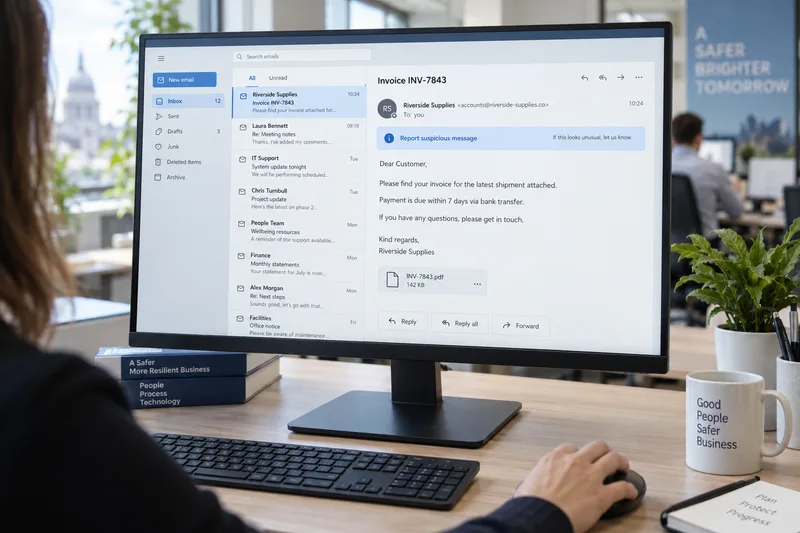
Connect phishing protection, safer collaboration settings and clear reporting routes.
Explore this service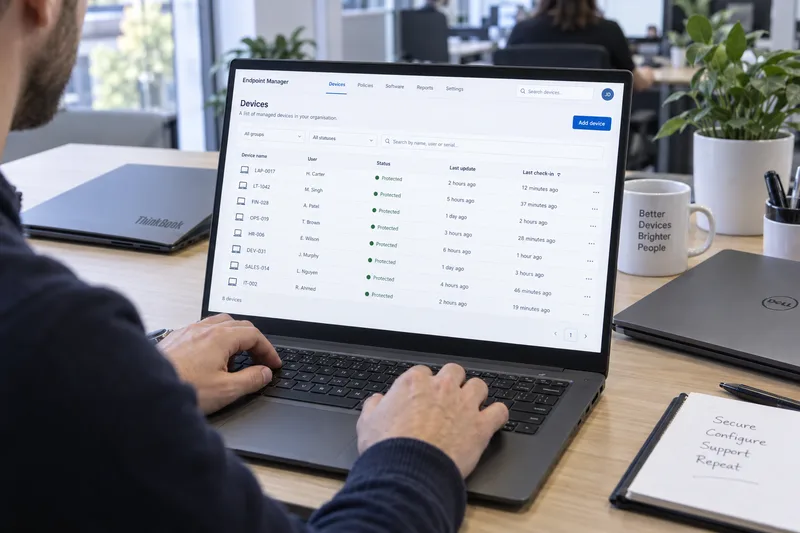
Agree protection, application controls, update responsibilities and visibility across supported endpoints.
Explore this service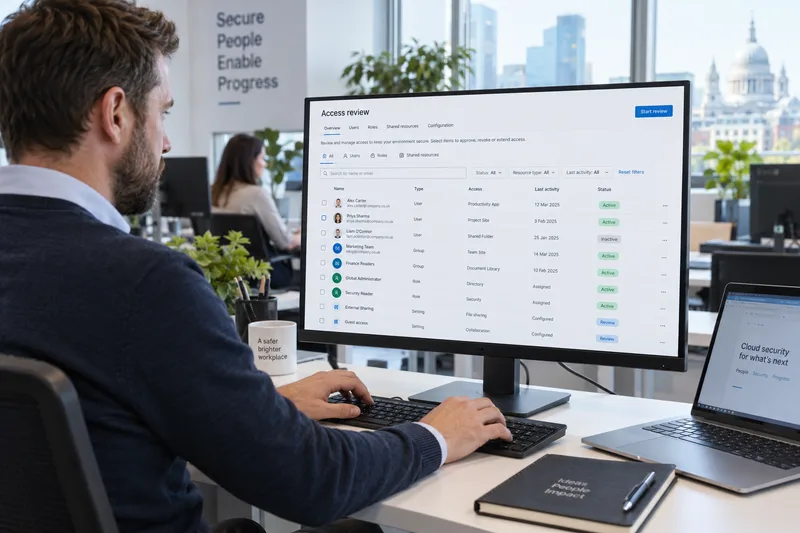
Review tenant access, configuration and the information your cloud services hold.
Explore this service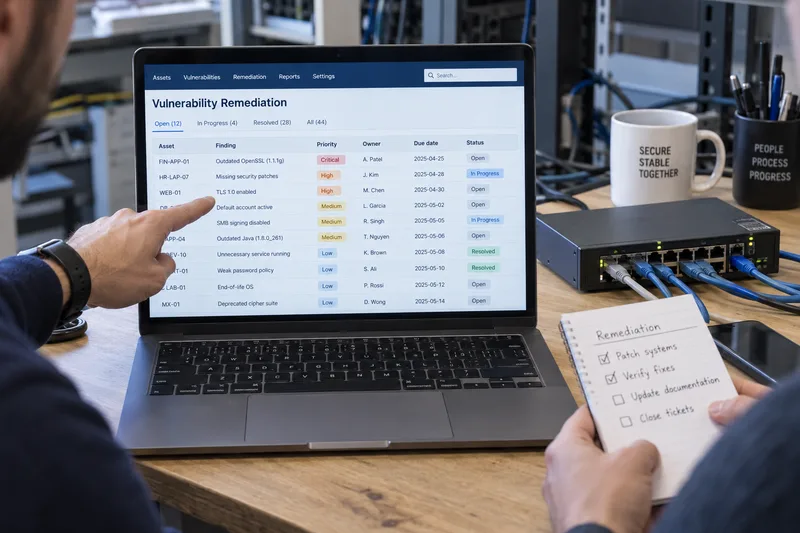
Identify weaknesses and make risk-based remediation part of a regular service rhythm.
Explore this service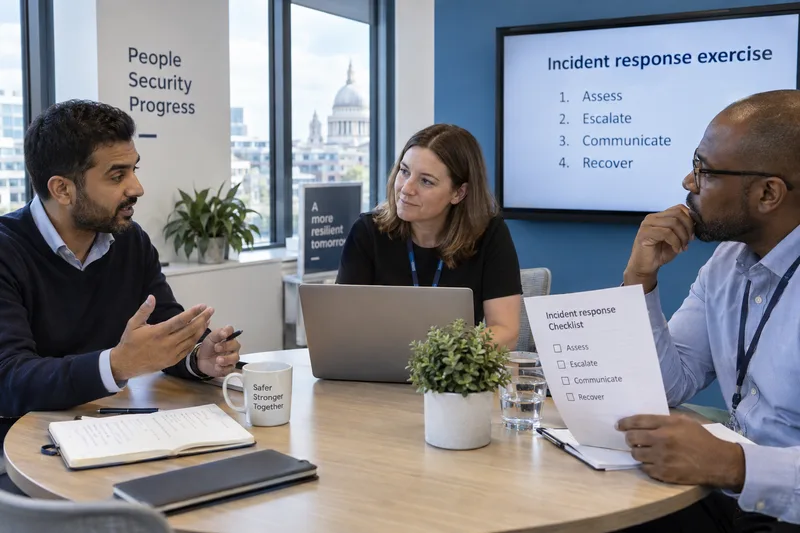
Build accessible awareness and rehearse the decisions that matter during an incident.
Explore this service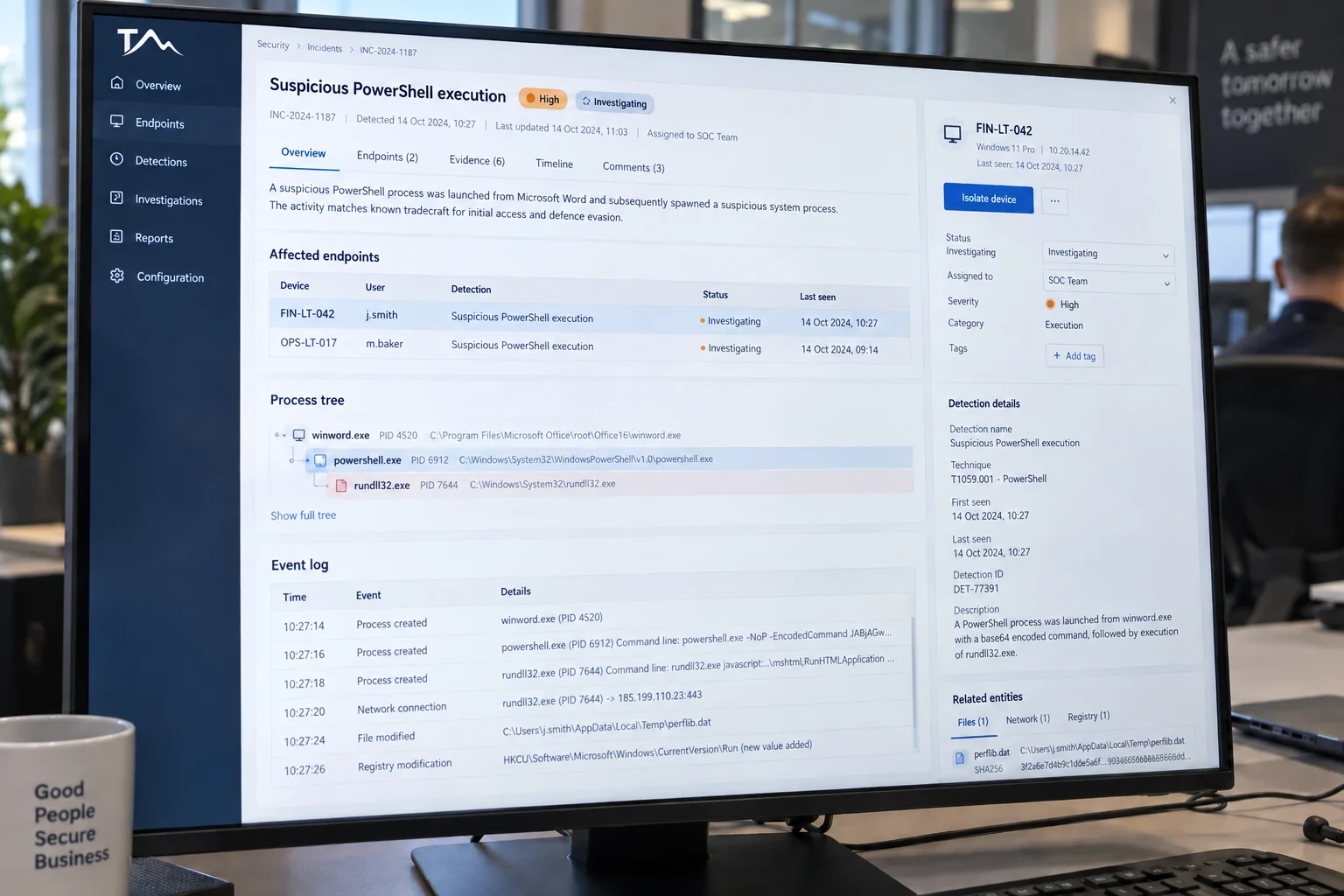
FROM ALERTS TO ACTION
A licence alone does not establish who watches alerts or takes action. Connect the technology with the monitoring, investigation, escalation and containment responsibilities your business needs.
Choose EDR, XDR and managed response around the signals your estate can provide.
Agree who can isolate a device, disable an account or authorise a disruptive change.
Connect incident handling with protected data and the order systems need to return.
A PLANNED START
Understand your estate, business dependencies and current controls.
Prioritise gaps and agree the protection your service will maintain.
Connect routine tasks, monitoring and escalation with named responsibilities.
Review meaningful findings and track the next actions with your team.
A CONTRACT YOU CAN UNDERSTAND
IT Mountain coordinates the agreed service. Specialist assessment or security operations may be delivered by an appointed provider. The proposal identifies responsibilities, access and the route to support.
Define supported users, devices and systems, monitoring hours, response commitments and approval points. Licences, testing, major changes and specialist recovery are itemised where separately scoped.
Keep findings, action owners and unresolved risks visible. Agree a review cadence so the service follows changes in your organisation rather than standing still.
Tell us what needs protecting and what a better service would look like.
TECHNOLOGY WITH A PURPOSE
Explore what each capability does and where it could help. We’ll confirm the selected technology, licensing, delivery team and support responsibilities in your proposal.
Connect device, network, email and detection controls.
Choose a combination of protection and managed operations around the systems your people use. Confirm the supported estate, licences, monitoring coverage and response authority together.
Protect devices and the business connections they rely on.
Review the boundaries around office networks, remote access and enrolled devices. Combine suitable controls with practical management and a clear route for investigating security findings.
Keep endpoint policies, protection and visibility in view.
Bring the protection of supported computers and servers into a manageable operating service. Agree policies, enrolment, updates and how detection findings are handled.
Strengthen device protection and connect it with a response service.
Start with the assets to protect, then define the operational work needed after an alert. The proposal identifies the selected protection, detection capabilities and any managed response coverage.
Protect the routes between sites, remote users and cloud workloads.
Design network security around the connections your business needs. Review firewall policies, remote access and cloud boundaries, with maintenance and change responsibilities clearly assigned.
Bring supported security signals into a more useful operating picture.
Connect information from supported devices and cloud workloads so investigations have better context. Coverage depends on the integrations, configuration and licences included in your service.
Control what runs and limit what permitted software can do.
Application allowlisting defines permitted software, while containment and privilege controls can limit its behaviour. Discovery, policy design and a workable approval process help protect productivity.
Investigate suspicious device and account activity with defined coverage.
Connect enrolled endpoints and supported identities with a managed investigation service. Agree the response capabilities, escalation route and the handover to ongoing IT support.
Connect endpoint insight with wider security context.
Give investigations access to supported endpoint and related security signals. Define the operating team and any specialist response service alongside the technology capabilities.
Build endpoint visibility around the coverage your organisation needs.
Select the supported endpoint and investigation capabilities that fit your estate. Enrolled assets, selected modules and the operational service determine the visibility and response available.
Connect endpoint investigations with cloud and identity activity.
Review threats across supported endpoints, accounts and cloud services. Scope the connected environments together, then agree containment permissions and the remediation handover.
Put an agreed operating service behind your security signals.
Combine detection, endpoint protection and exposure insight around clear operating responsibilities. Specialist investigation, customer communication and remediation each need an understood owner.
Turn supported endpoint alerts into triage and follow-up.
Connect supported endpoint technology with an agreed monitoring service. State the selected platform, enrolled assets and how investigation and response link to your ongoing IT support.
Get testing evidence and practical support for assurance requirements.
Use specialist testing to understand weaknesses in agreed networks, applications and cloud environments. Assessment scope, report deliverables and any independent certification route are confirmed for the engagement.
Explore weaknesses across the systems your business relies on.
Agree the targets, test perspective and deliverables before technical assessment begins. Findings should help your team understand the weakness, its impact and the route to remediation.
Get an objective view of your critical systems and configurations.
Choose assessments around the applications, infrastructure and cloud settings that matter to your organisation. Confirm the testing specialists, engagement credentials and reporting scope before delivery.
Explore the route an attacker could take and how your defences respond.
Define a realistic business objective, permitted techniques and the defensive response to evaluate. An exercise needs agreed rules, safety boundaries and clear learning outcomes.
Investigate exploitable weaknesses within an authorised scope.
Plan specialist assessment around agreed targets, test windows and business priorities. Reports explain evidence and remediation, with follow-up or retesting defined in the engagement.
Connect recurring assessment with reporting and remediation.
Build a testing rhythm around meaningful changes and the systems you need to assess. Agree engagement coverage, access to findings and how remediation is reviewed over time.
Bring security monitoring, testing and reporting into one practical plan.
Connect several security activities around a shared view of your business. Your scope defines the monitored systems, specialist delivery, reporting and the handover to your IT support.
Find gaps across networks and applications, then plan improvements.
Use targeted assessment to understand where your business is exposed. The engagement sets out the systems to review, the evidence to collect and the actions your team can take after the findings.
Add specialist security skills where your business needs them.
Build specialist assessments and protection into your wider IT plan. Agree which experts deliver the work, how results are communicated and who owns the next improvements.
Understand technical exposure and prepare the evidence for assessment.
Connect testing and exposure reviews with the controls your organisation needs to demonstrate. Certification support prepares you for the agreed assessment; certification is awarded independently.
Capabilities are selected and scoped for your environment. Your agreement identifies the appointed technology and delivery providers before the service begins.
YOUR QUESTIONS
Not necessarily. Discovery reviews your existing licences, tools and support arrangements. We recommend changes where they address a gap, and confirm which existing platforms can be supported.
Yes. A co-managed scope can allocate selected controls or specialist security operations while your internal team retains the agreed day-to-day responsibilities.
Coverage is selected during scoping. Where provider-operated monitoring is proposed, the agreement identifies that provider, monitoring hours, escalation routes and response authority. Extended monitoring does not automatically mean 24/7 user support.
The supported estate, chosen platforms, coverage and operational work determine the price. Testing engagements, onboarding, major projects and specialist incident recovery are defined separately when required.
A CONNECTED SECURITY PROGRAMME
Security spans the people, accounts, devices and systems your business relies on. Build a practical combination of controls, technology and operational support around your risks, with clear responsibilities for maintaining it.
Protect the accounts that unlock your business. Review multi-factor authentication, conditional access, single sign-on and role-based permissions. Separate administrator accounts and make joiner, mover and leaver processes part of everyday security.
Explore this areaBring laptops, desktops, servers and supported mobile devices into view. Combine endpoint detection and response with patching, disk encryption, application controls and device compliance. Agree who can investigate an alert or isolate a compromised device.
Explore this areaReduce exposure to malicious attachments, unsafe links and impersonation. Review email filtering, domain authentication and mailbox access alongside staff reporting and phishing awareness. Help teams recognise unexpected payment requests and verify them through a trusted route.
Explore this areaReview firewalls, remote access and the boundaries between business systems. Use segmentation to limit unnecessary connections, with secure VPN or zero-trust access options selected for your environment. Include DNS and web filtering where suitable.
Explore this areaConnect supported endpoint, identity, email and cloud signals so suspicious activity can be investigated in context. Define alert triage, escalation, authorised containment and reporting. Select monitoring hours and response commitments around your business requirements.
Explore this areaReview cloud configuration, sharing permissions and access to sensitive information. Consider data classification, data loss prevention and logging alongside Microsoft 365 and other supported platforms. Track configuration changes and the responsibilities shared with your cloud providers.
Explore this areaBuild an inventory, identify weaknesses and prioritise fixes by business impact and exposure. Combine routine vulnerability reviews with authorised penetration testing where appropriate. Assign remediation owners and use retesting to check that agreed improvements work.
Explore this areaBring preventive controls, detection and business continuity into one plan. Review isolated or immutable backup options, restrict backup administration and test restoration. Rehearse who makes decisions, how people communicate and which systems need to return first.
Explore this areaEDR investigates activity on endpoints. XDR brings together supported signals across several security layers. MDR adds a managed service for investigation and response. Coverage, integrations and authorised actions determine how these capabilities work together.
A SIEM collects and analyses security logs from connected systems. SOAR capabilities help orchestrate agreed workflows and response tasks. Useful outcomes depend on reliable data, meaningful detection rules, tested playbooks and people with clear decision-making authority.
For suitable Microsoft environments, options can include Defender XDR for connected detection, Microsoft Sentinel for SIEM and SOAR, and Entra Conditional Access for access policies. Product selection, licensing, integrations and delivery scope are confirmed in your proposal.
Microsoft technology overview ↗WHEN SOMETHING NEEDS ATTENTION
Validate the alert, establish the affected accounts or systems and assess business impact.
Follow agreed authority to limit exposure, such as isolating a device or restricting an account.
Coordinate remediation and restoration with business priorities and the agreed recovery plan.
Record lessons, update controls and track corrective actions with named owners.
Bring your current tools, concerns and business priorities.
We’ll help shape the next steps.
Explore practical preparation guidance from the National Cyber Security Centre.